Building your website,
made simple, in just
one click.
Creating a website doesn't need to be complicated. With Mosaic, you can effortlessly design and publish your website, no coding required.
100+
Templates
Industry-ready
95+
Lighthouse
Out of the box
1×
Click Publish
SSR + ISR built in
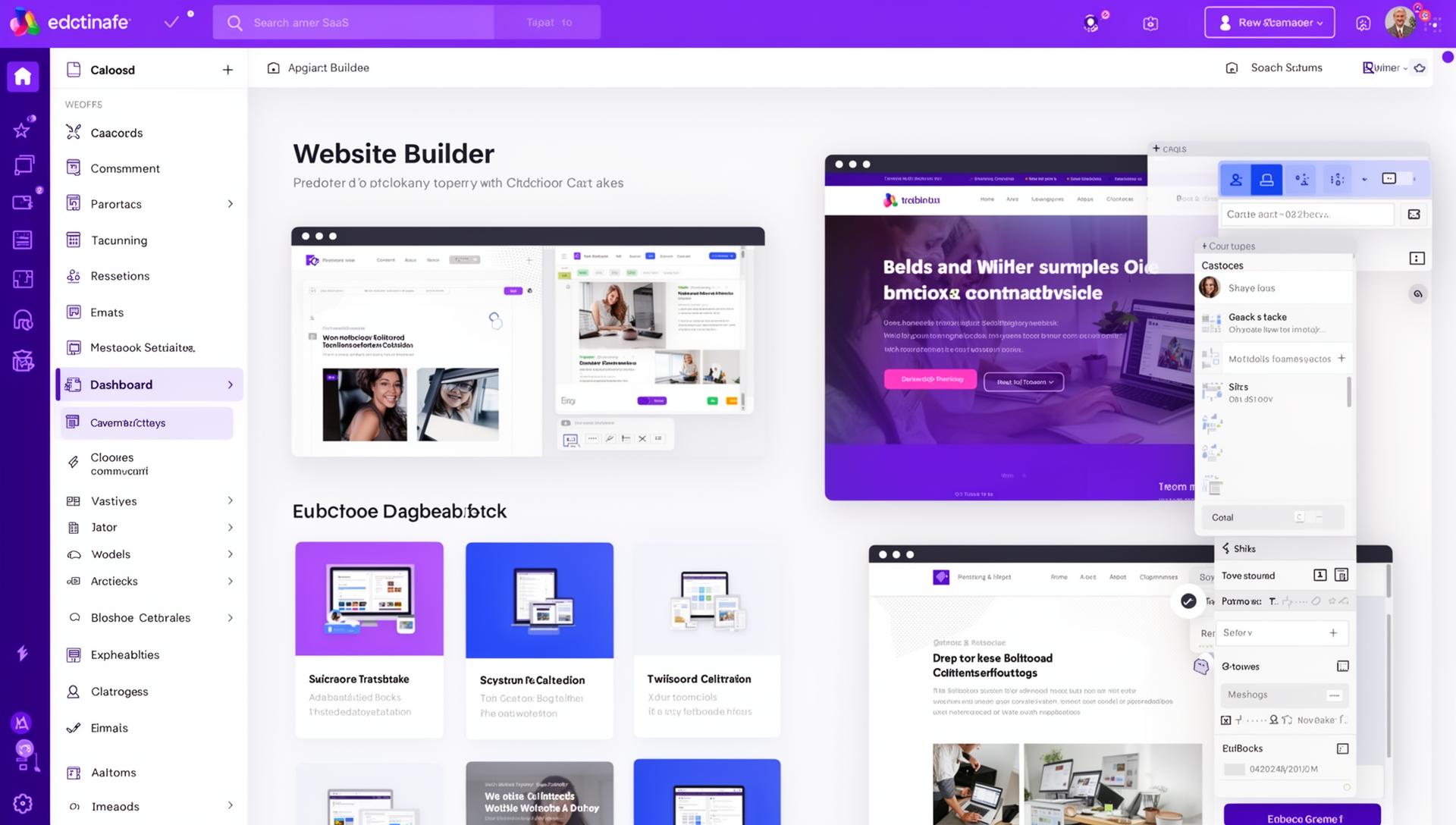
Features overview
Everything you need in one place.
Build your website in just one click. Customise and add different elements, no coding required.
Easy to use
Create a professional website quickly. No coding required.
Mobile-friendly
Responsive templates that look good on any device.
Professional design
More than 100 customisable templates to choose from.
AI website creation
Generate a complete website in seconds with AI.
Design templates
We have the perfect template.
Our customisable templates cater to a wide range of styles and industries, a great starting point for any brand.
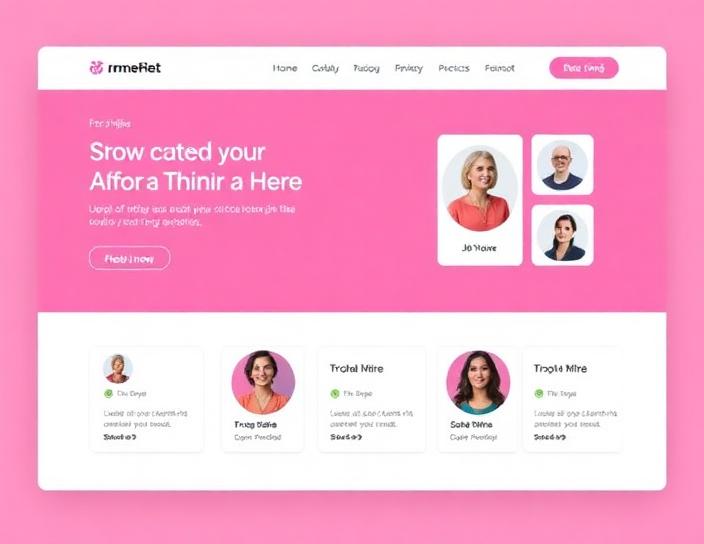
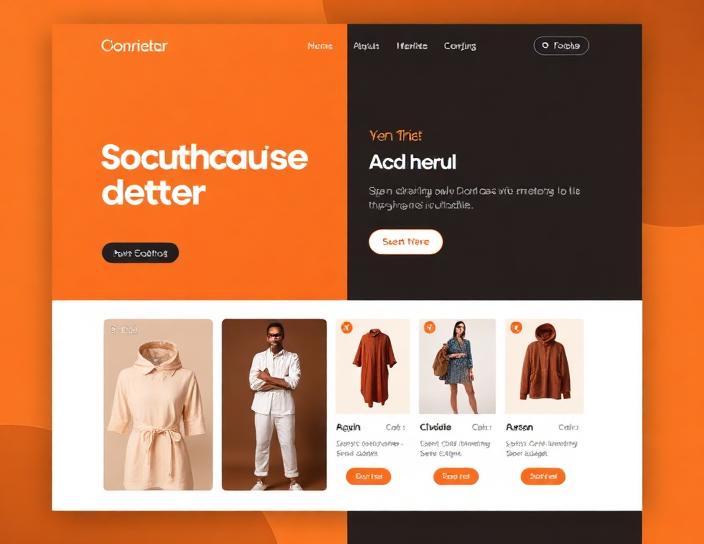
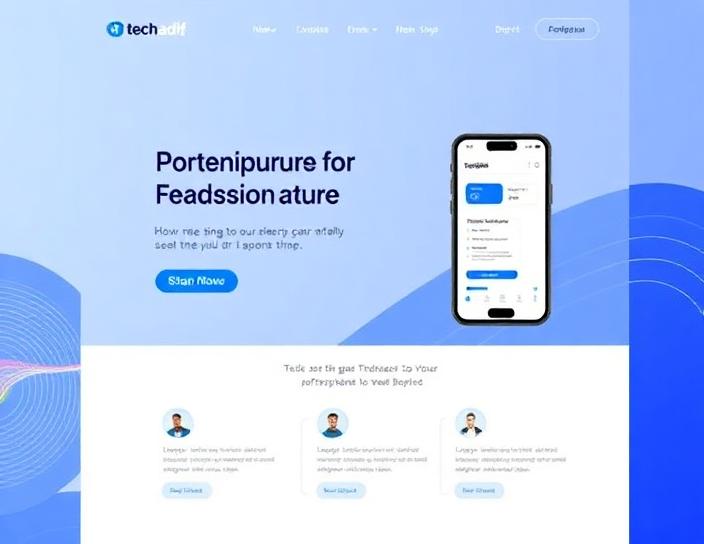
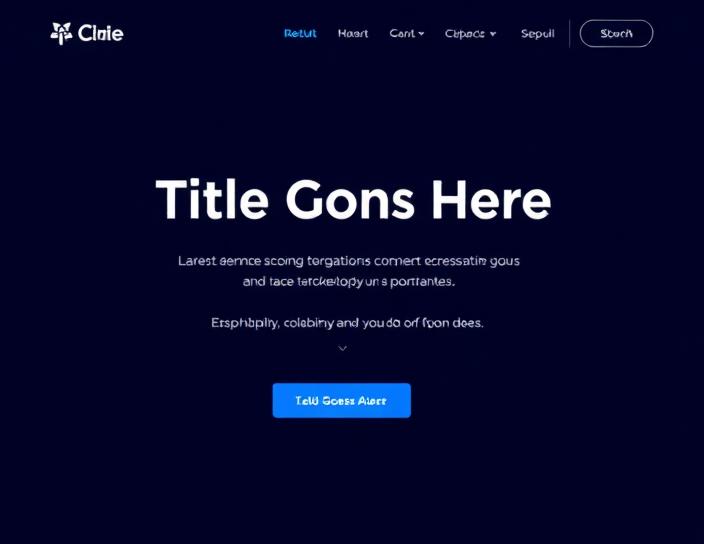
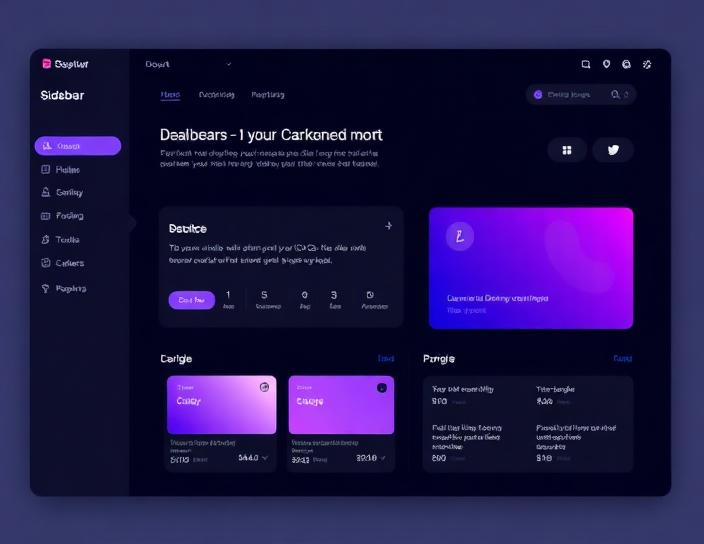
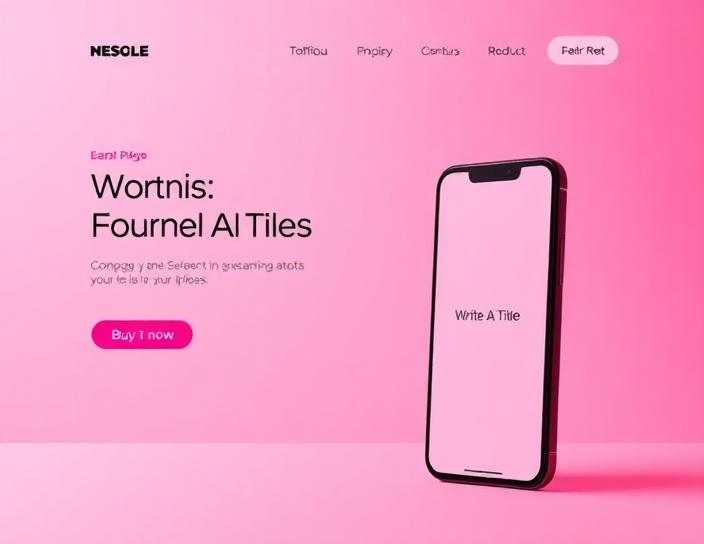
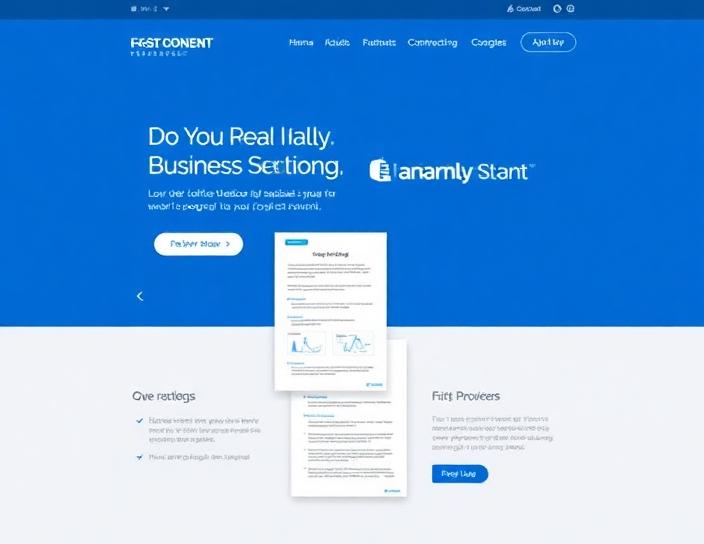
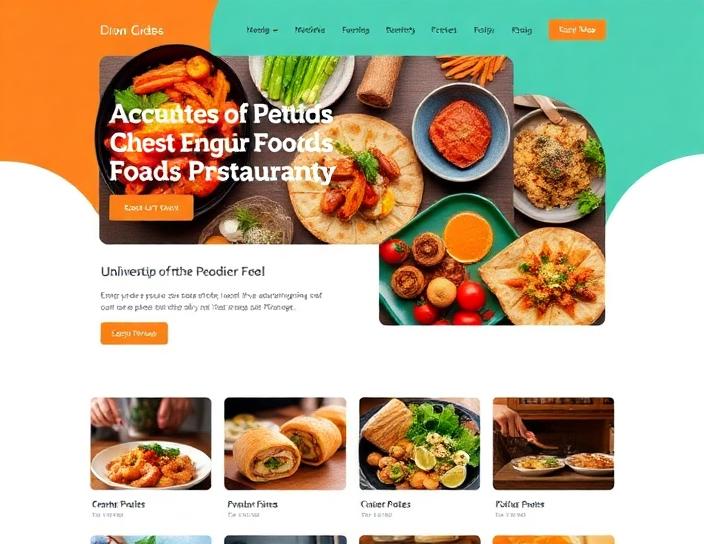
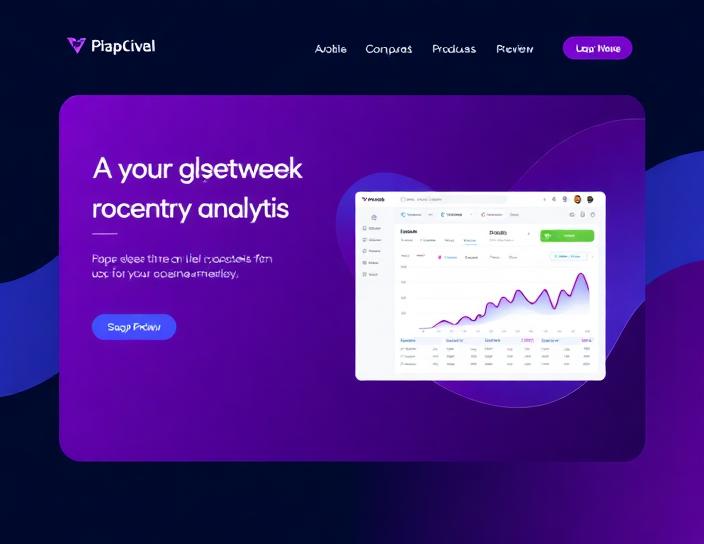
Imagine it, create it
Turn your vision into a website.
No coding needed, just select, click, and design.
Start with a stunning theme
Our layouts make it simple to get started. Fresh designs make it easy to make a beautiful, responsive website for any industry.
Customise with your own content
Add and customise sections. Choose font pairings, add images, and customise with your own text to make your website your own.
Be found online
Grow your audience with your perfect domain name, SEO tools, social media and third-party features.
How it works
Build your website effortlessly in 3 simple steps.
STEP 01
Onboarding
Customise your site, add your content, and pick a stunning template, launch your vision online in minutes.
STEP 02
Customisation
Easily customise your design and complement with text and images to make the website your own.
STEP 03
Publishing
Once you're happy with the design of your pages, publish your website and start getting traffic.